Your logo in a minute
Let the AI go, or tell it what you want. It draws 4 genuinely different logos for your site, checks your name is spelled right, cuts them out for your site's look, and the one you pick goes everywhere on your site.
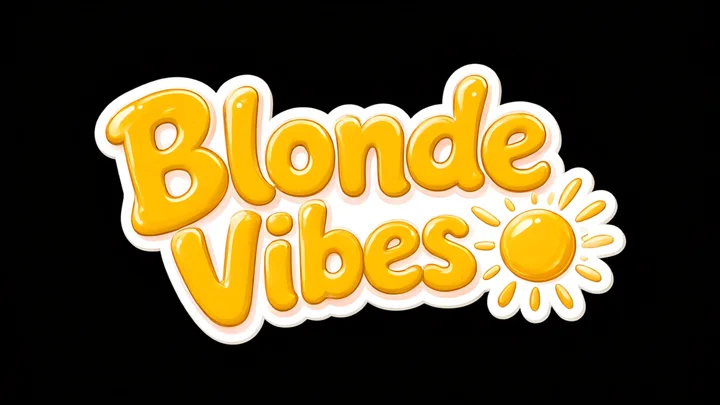
Die-cut sticker
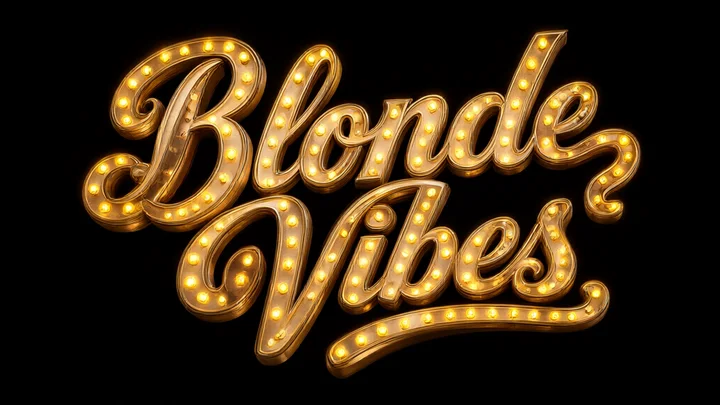
Las Vegas sign
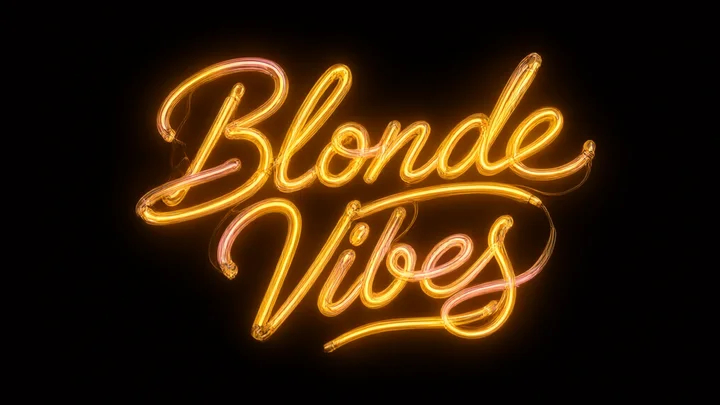
Bent neon
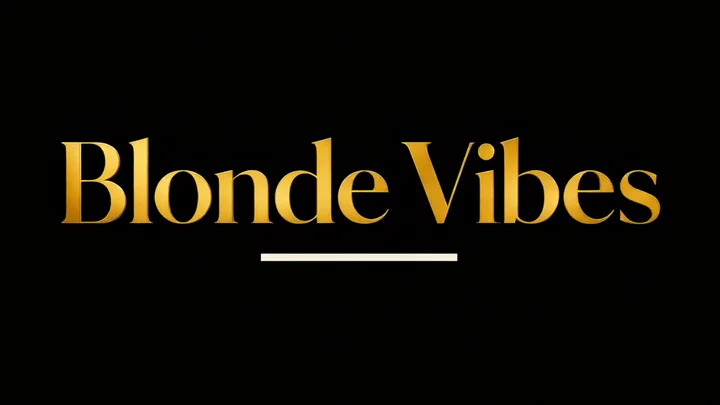
Magazine masthead
From neon to gold script, by way of the sticker
On every click, an art director writes four directions that look nothing alike: material, lettering, colors, layout. Here is the same name in twelve of the styles it can hold.
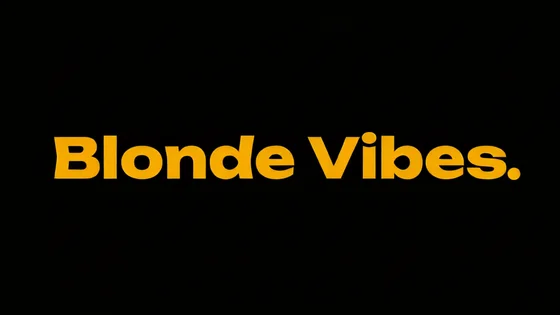
Flat 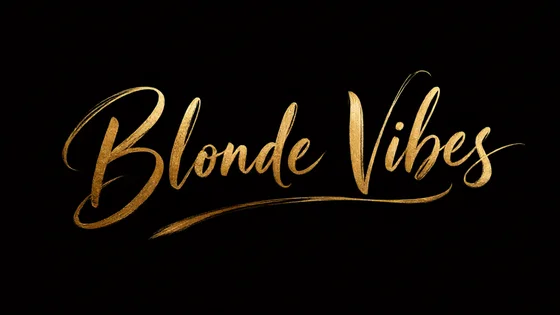
Luxury script 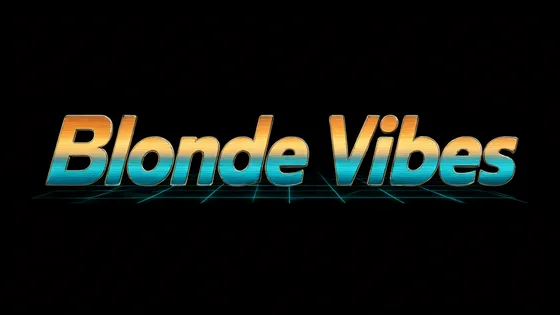
Retro 80s 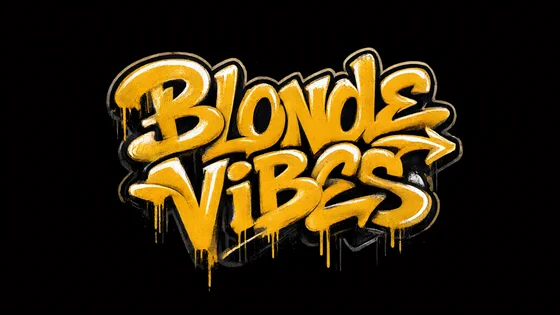
Graffiti 
Badge 
Monogram 
Pin-up 
Liquid 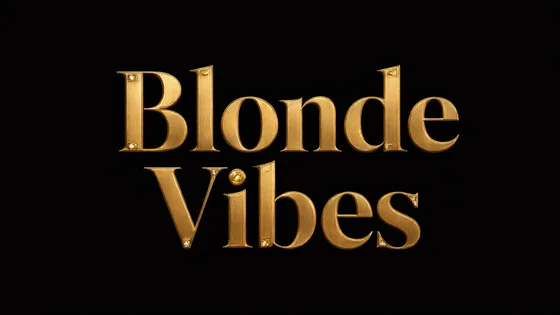
Luxury gold 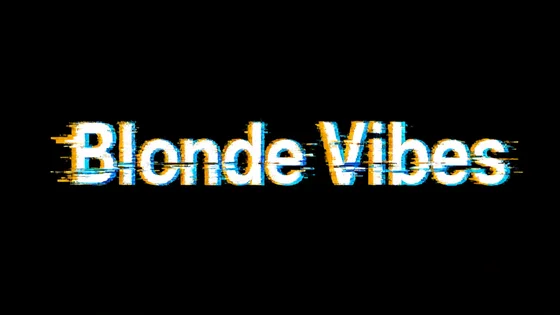
Glitch 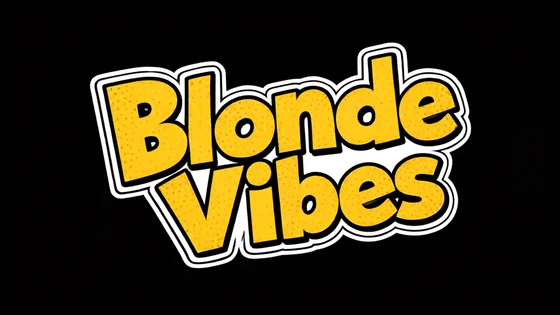
Sticker 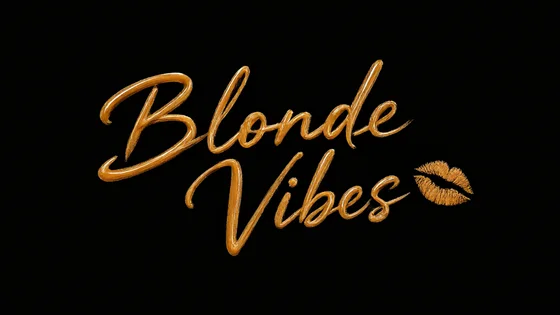
Lipstick
Four logos, four steps
- 01
Let it go or steer it
One click and the AI starts from scratch. Or write what you want, "classy, black and gold", "fun and colorful", and all four logos stay in that direction.
- 02
Four different directions
An art director writes four briefs that have nothing in common, then an image model draws each one. Two clicks never give the same logos.
- 03
Proofread before you see it
Every logo is read back to check it says your name. One letter off and it is redrawn before it reaches you.
- 04
It replaces the name everywhere
One click on Use and your logo takes the name's place in the header, on the splash screen and in the footer.
Your name, spelled right
Image AIs happily correct a name that looks like a word. On "Reely" they wrote "Reelly" half the time. So every logo is read by a second model before it reaches you, and redrawn if the name moved.
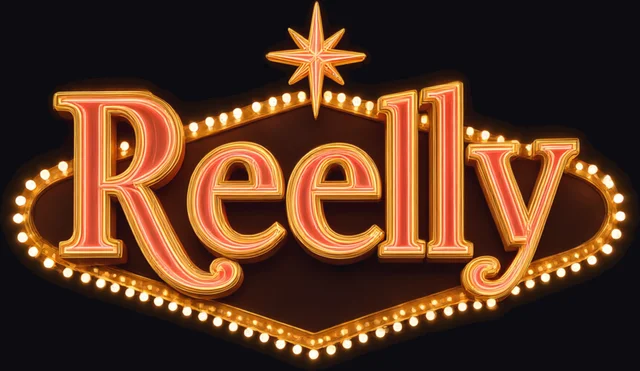
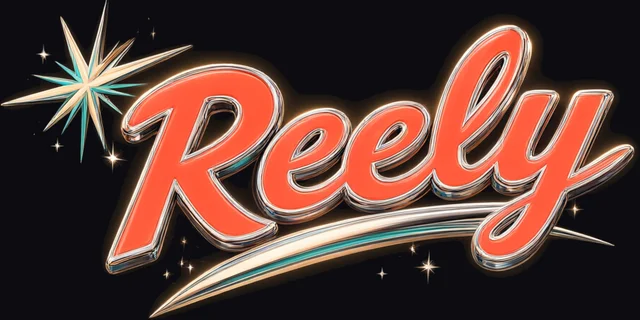
Made for your site's look
Dark site or light site, the logo is drawn and cut out for your site's background. No box around it, no washed-out glow: it sits there as if it had been made by hand for your page.
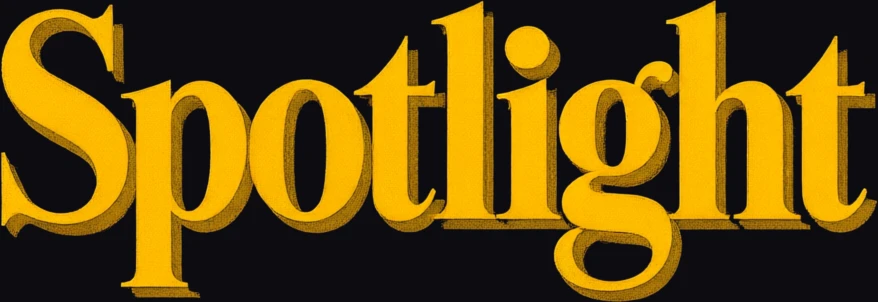
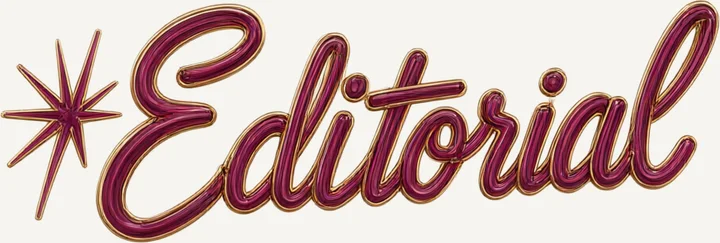
In every template
Spotlight, Editorial, Neon, Feed: the logo takes the right size in each template's header, on the splash screen and in the footer. These are the real demos, with their logos.




10 credits for a batch of 4
Credits come with your plan, and a pack is one click away inside the tool. You only pay for what arrives: a logo that fails gives its credits back.
4
different logos on every click
10
credits a batch
2
credits back for each logo that doesn't arrive
- Every logo you generate stays in your site's gallery, so you can change your mind later
- Going back to the text name takes one click
- Short on credits? Buy a pack without leaving the tool
My site has an explicit name, is that OK?
Yes. Your name is written as it is and nothing explicit is drawn: logos stay letters, materials and symbols. We picked models that accept adult site names and left out the ones that quietly rewrite them.
Can it draw a person?
No, on purpose: a logo doesn't need one. Icons stay symbolic, a heart, a flame, a crown, lips.
None of the four works for me?
Run it again: four new directions, never the same. Or sharpen your direction. Earlier logos stay in your gallery in case you change your mind.
What form does my logo come in?
A cut-out image, hosted by Jimp and shown on your site, custom domain included. Nothing to download or upload.
Can I try it during the demo?
The demo only has a few credits, not enough for a batch of 10. Credits come with a plan, 100 a month from Starter, and each batch costs 10.
What if I rename my site?
The logo spells your name: a new name, a new batch. Meanwhile, going back to the text name takes one click.


Your first site is three minutes away.
Niche, name, colors. The rest is already done.